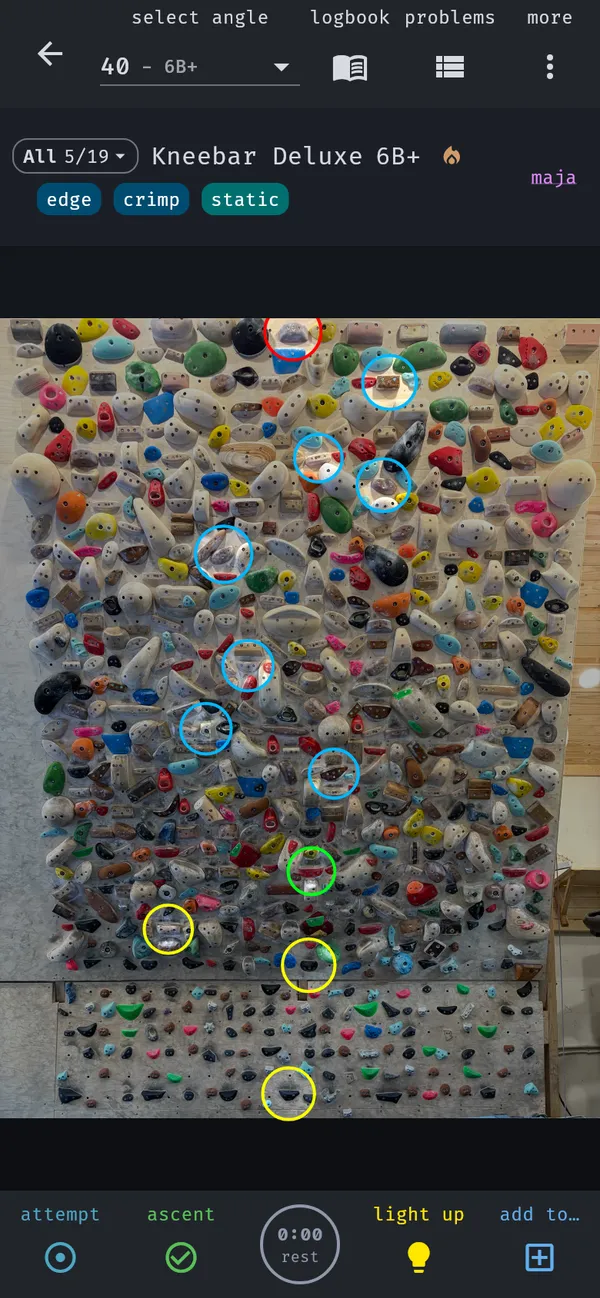
- Swipe left or right on the photo for the next problem. The chip before the name shows what you swipe through, for example All 5/19.
- Choose the wall’s angle under select angle. Each angle has its own grade.
- On a wall with lights, tap connect and then light up. The problem’s holds light up on the wall.
- After a go, tap attempt. It is logged at once.
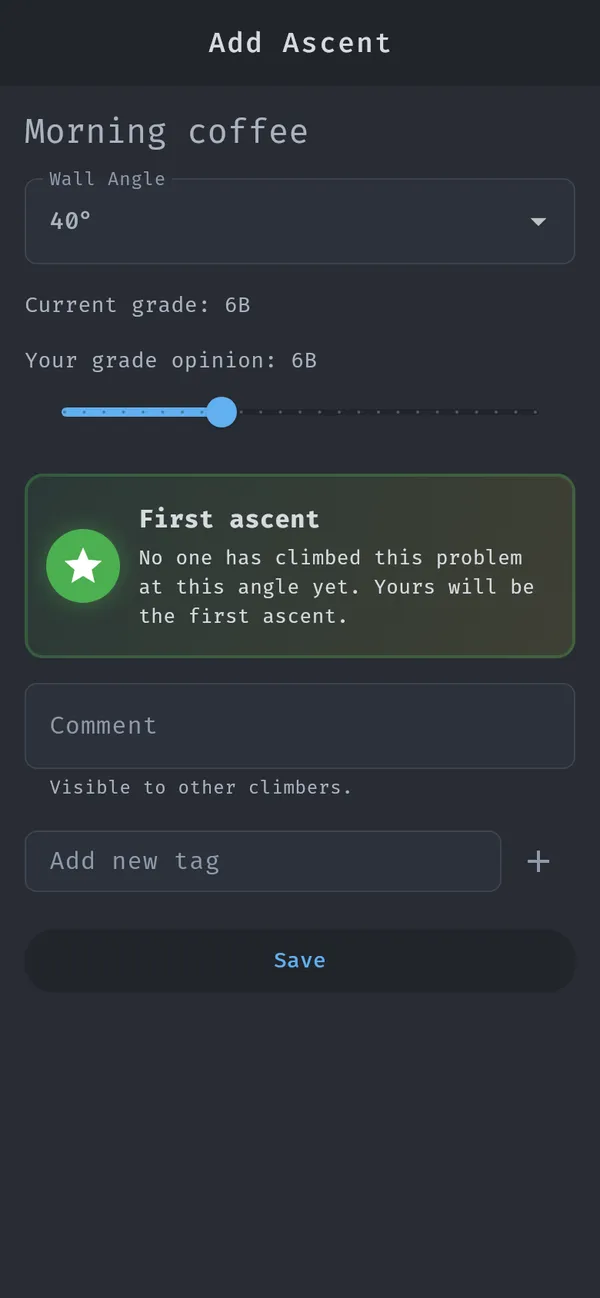
- When you top it, tap ascent, give your grade and tap Save. From then on the button says repeat.
When the wall shows another problem, a line above the bottom bar says On the wall: and its name. Tap it to go there. more › Hold colours says what each colour means.
If a problem you expect is not there, check the angle, and whether a filter is hiding it, for example Exclude Climbed.