Spray wall app with LED-lit holds.
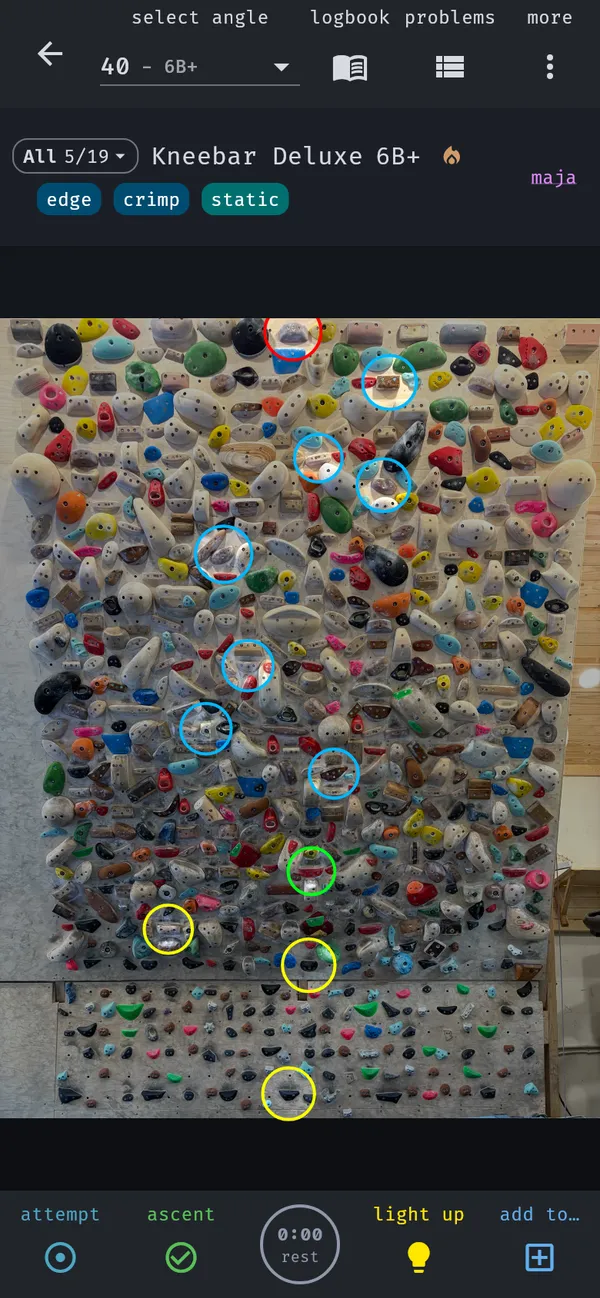
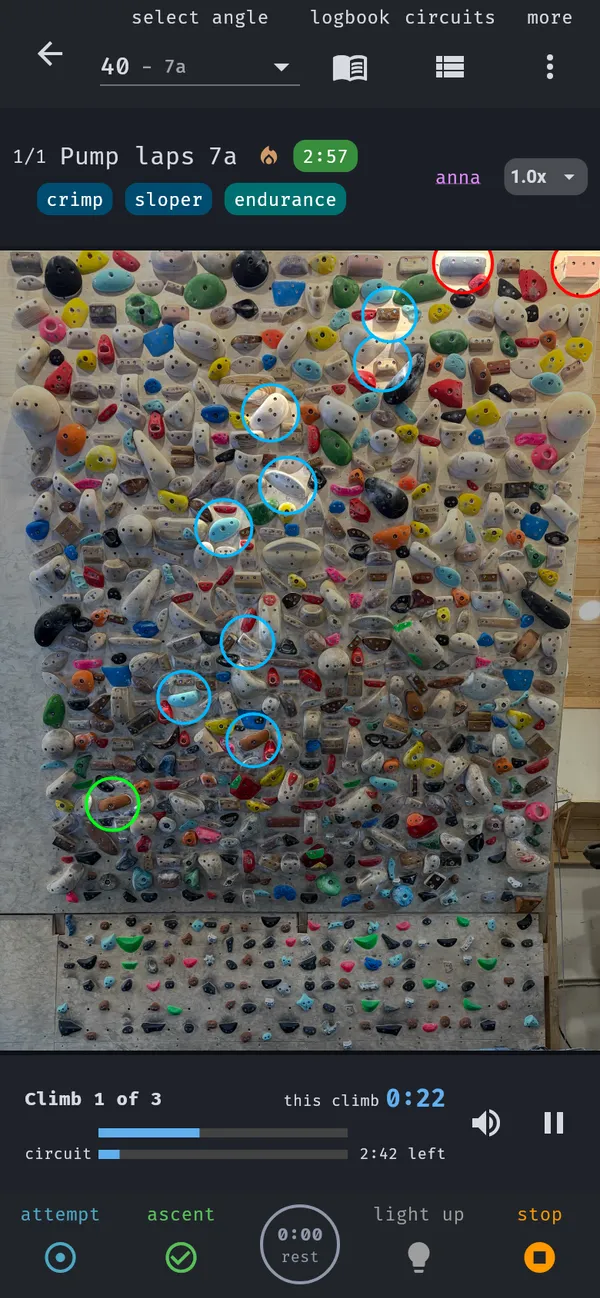
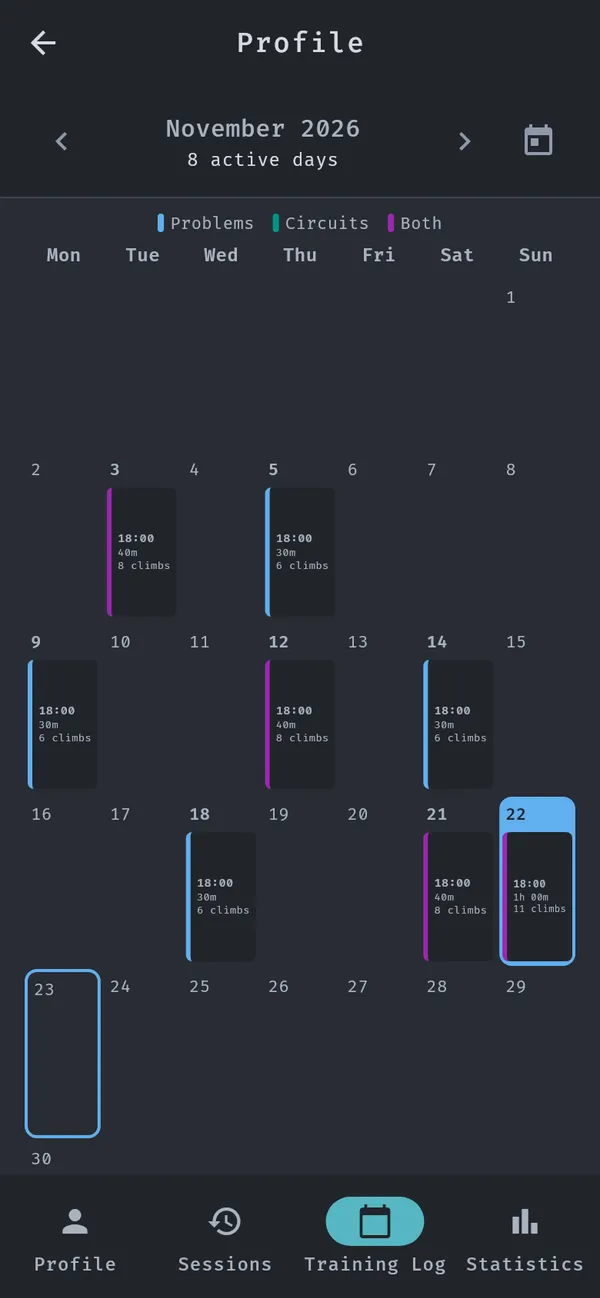
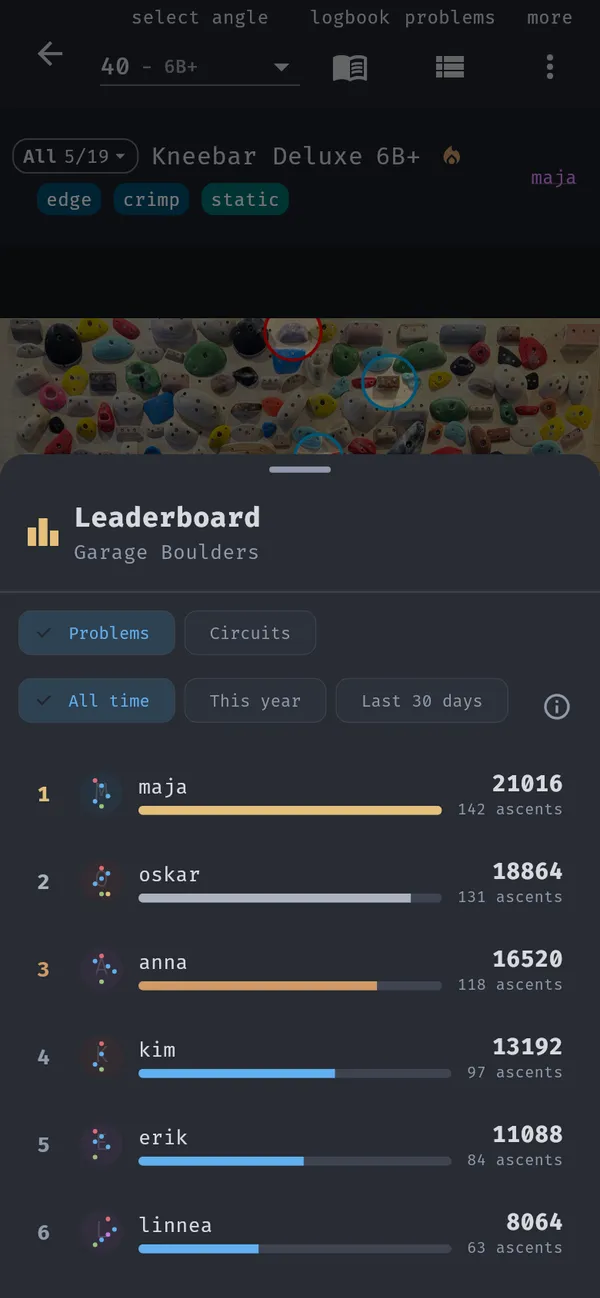
Grade problems per wall angle, log your sessions and build circuits. Add standard LED strings and the holds light up.
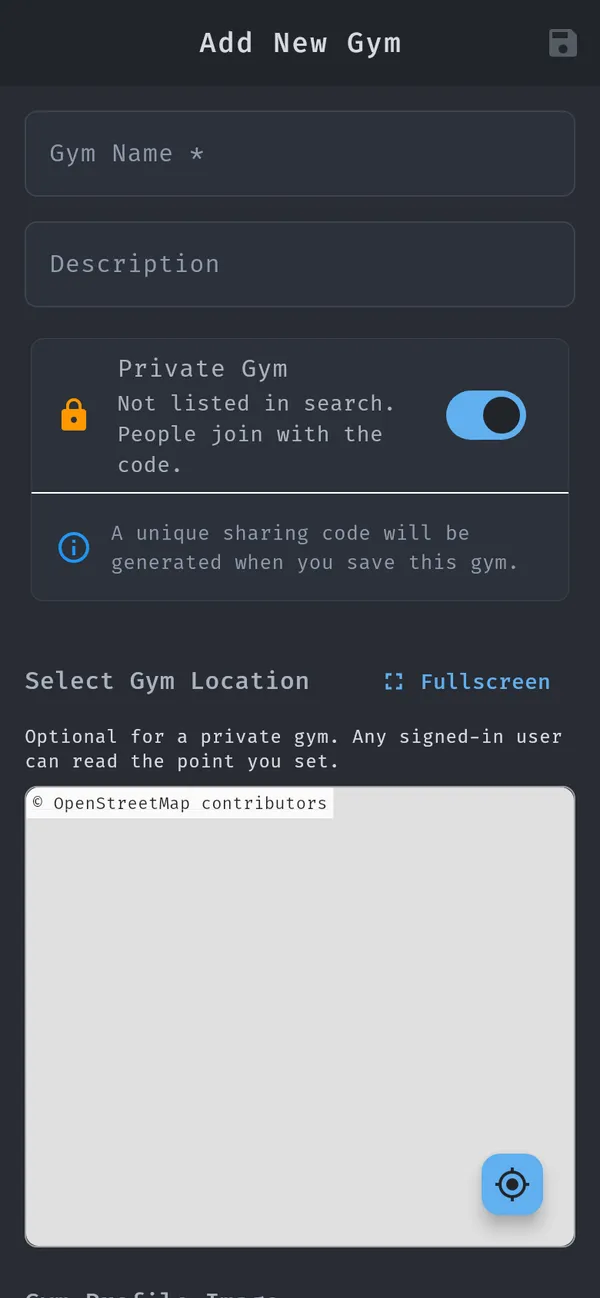
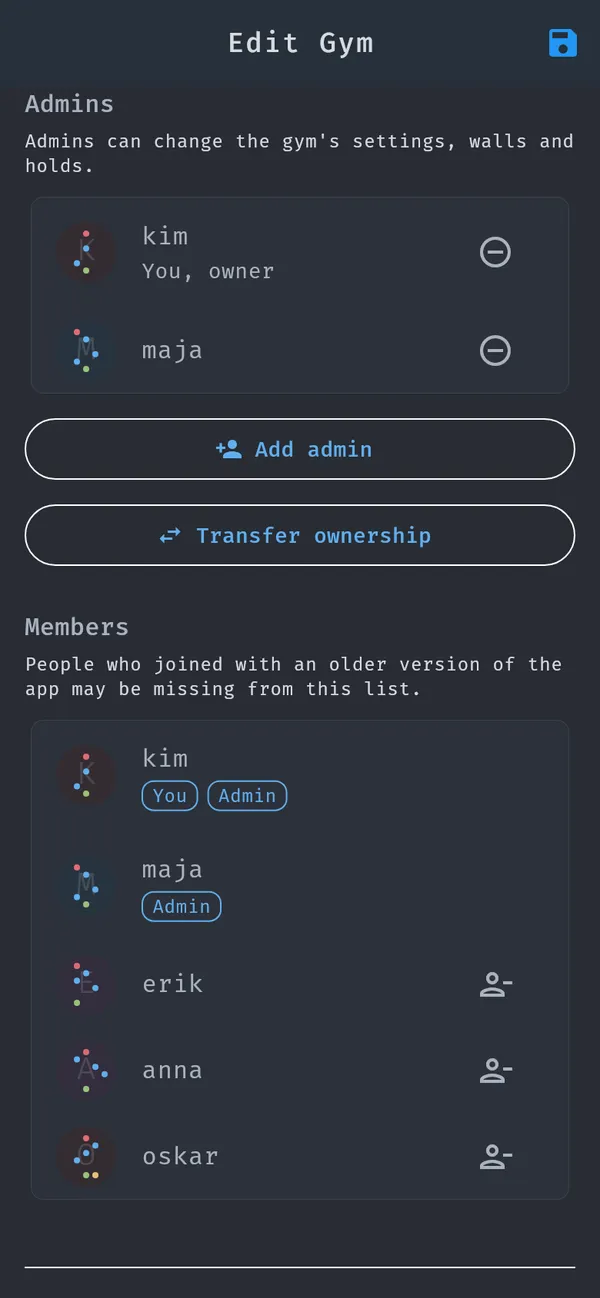
Add a gym A climbing centre or a wall at home
How it works
-
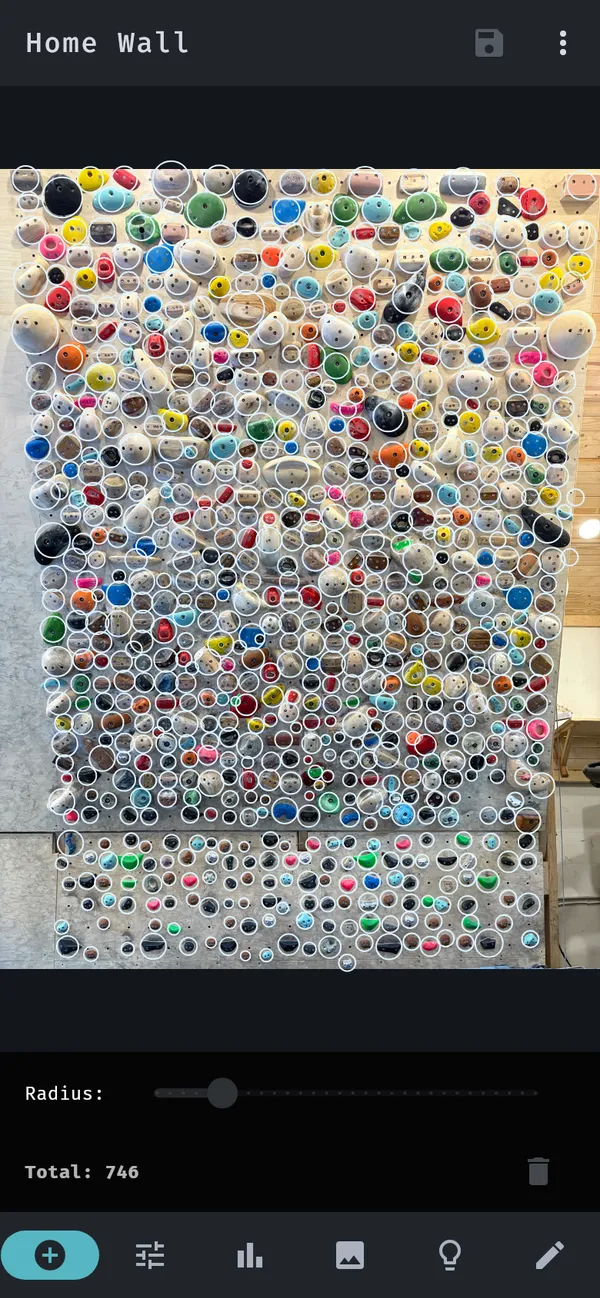
Set up your wall
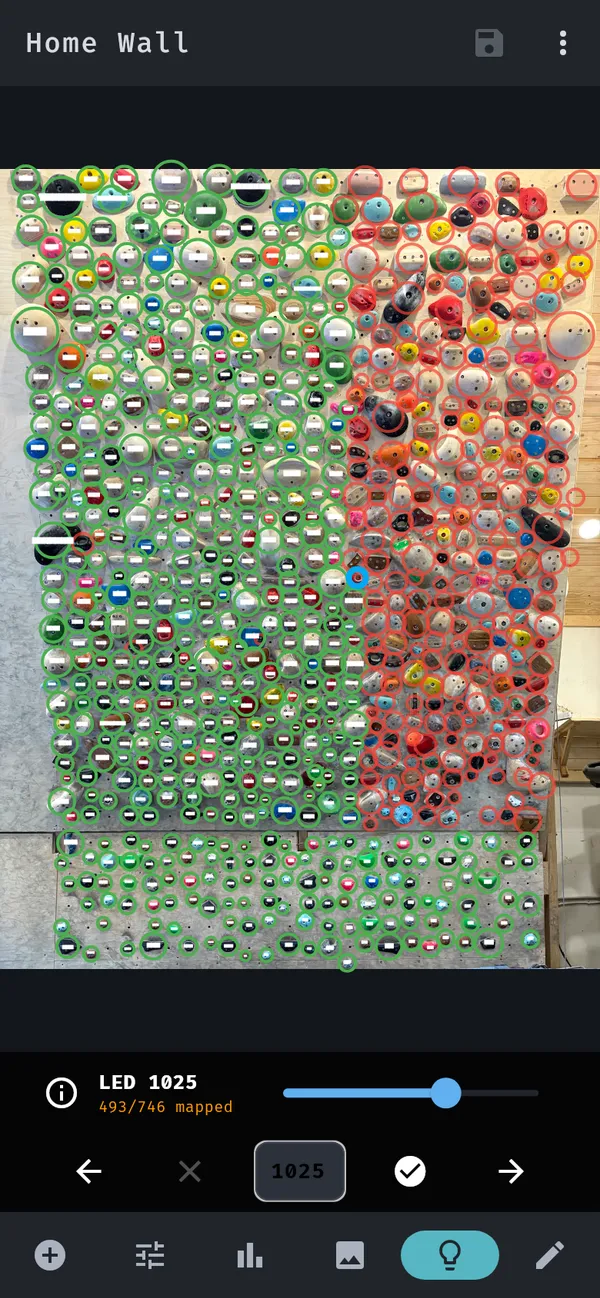
Upload a photo of your wall, map your holds, and start creating problems and circuits in the app.
-
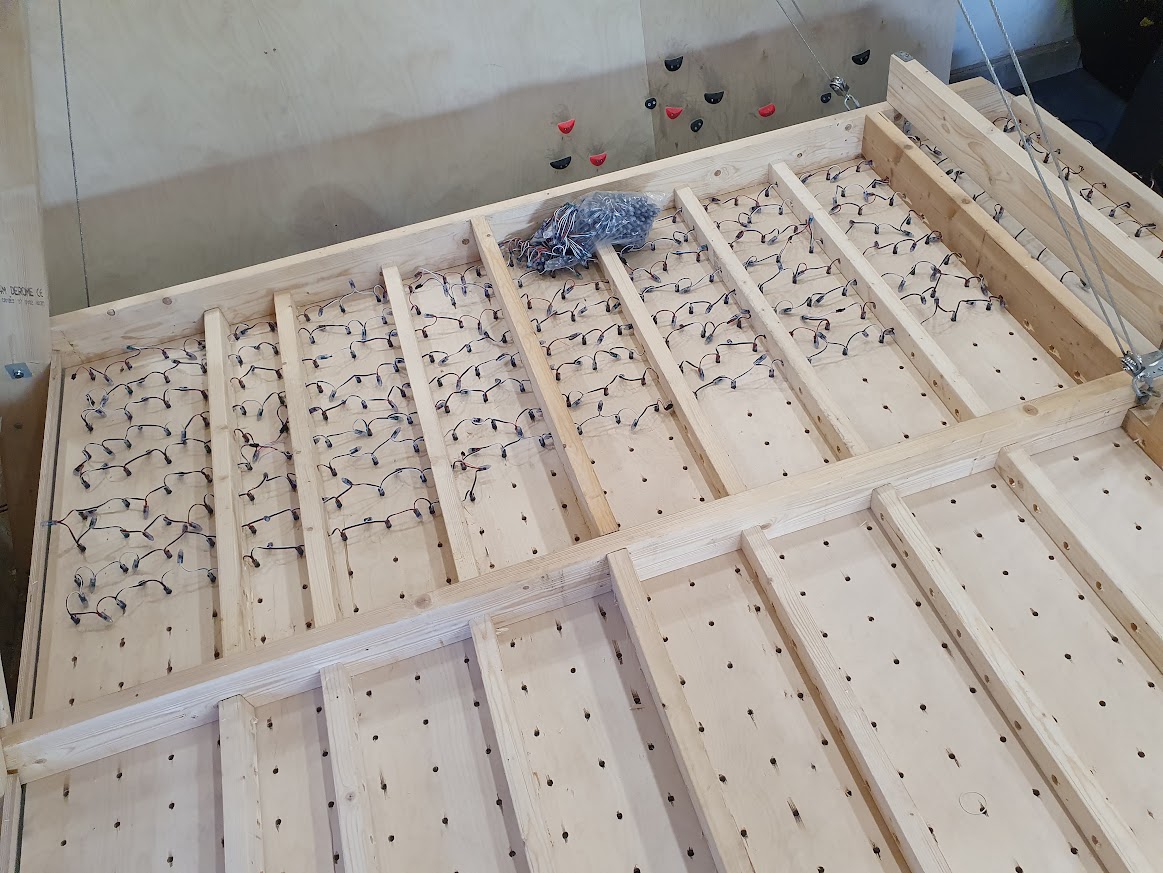
Add LEDs
Put LED strings behind the wall, connect a small controller, and tell the app which LED sits at which hold.
-
Climb and track
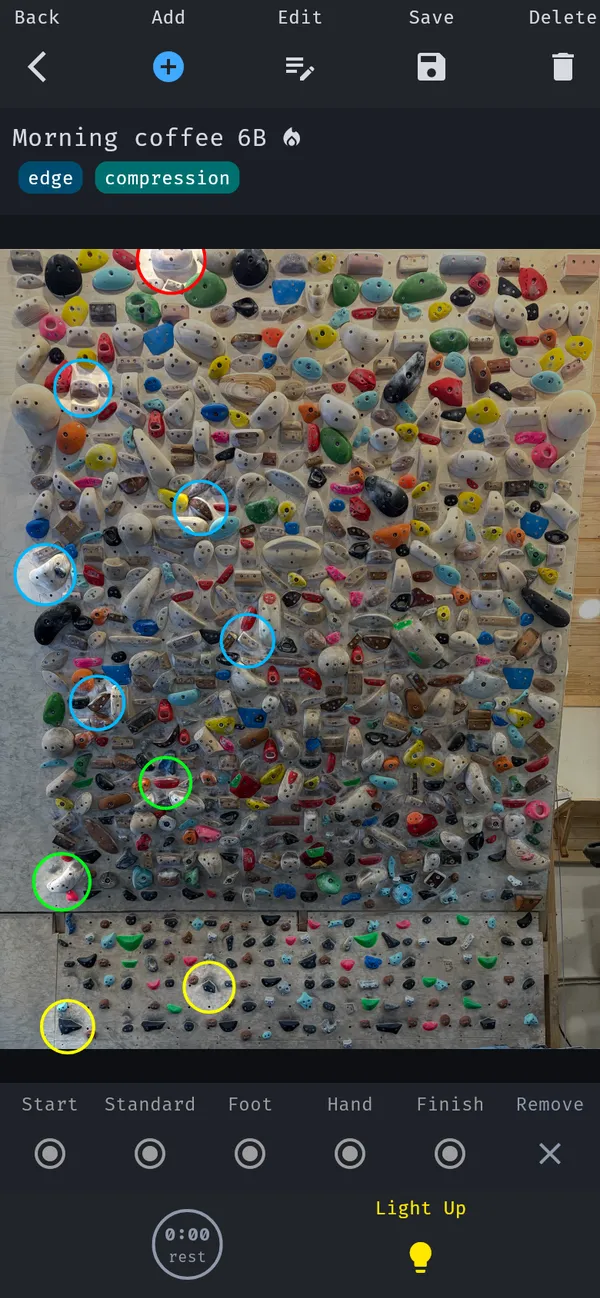
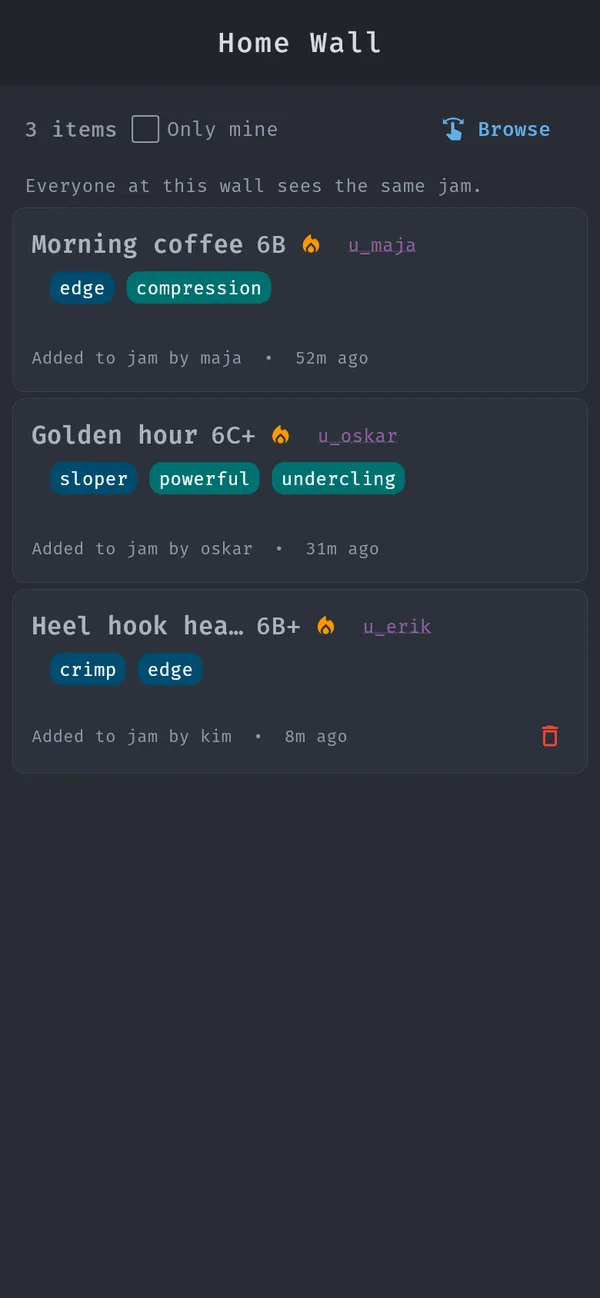
Pick a problem and light it up on the wall. Log your climbs, or add problems to the wall’s jam for the people you climb with.
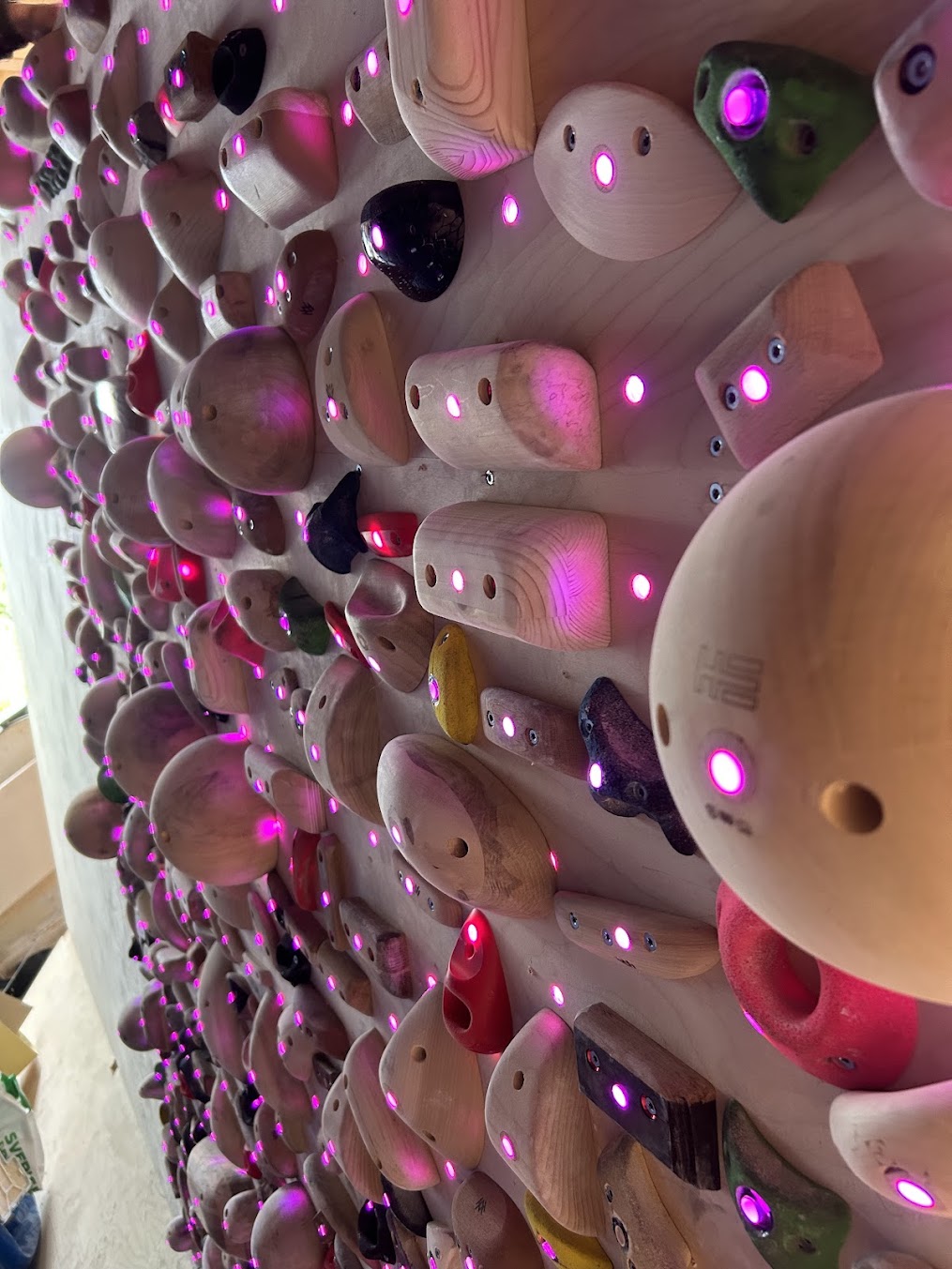
LEDs on your wall?
Standard LED strings and a small controller. No mains wiring, no soldering.
Installation guide