- Install the app: see Get the app.
- Sign in with Continue with Google, or on an iPhone Continue with Apple. To use your email, tap Create account.
- On the home screen, tap Climb.
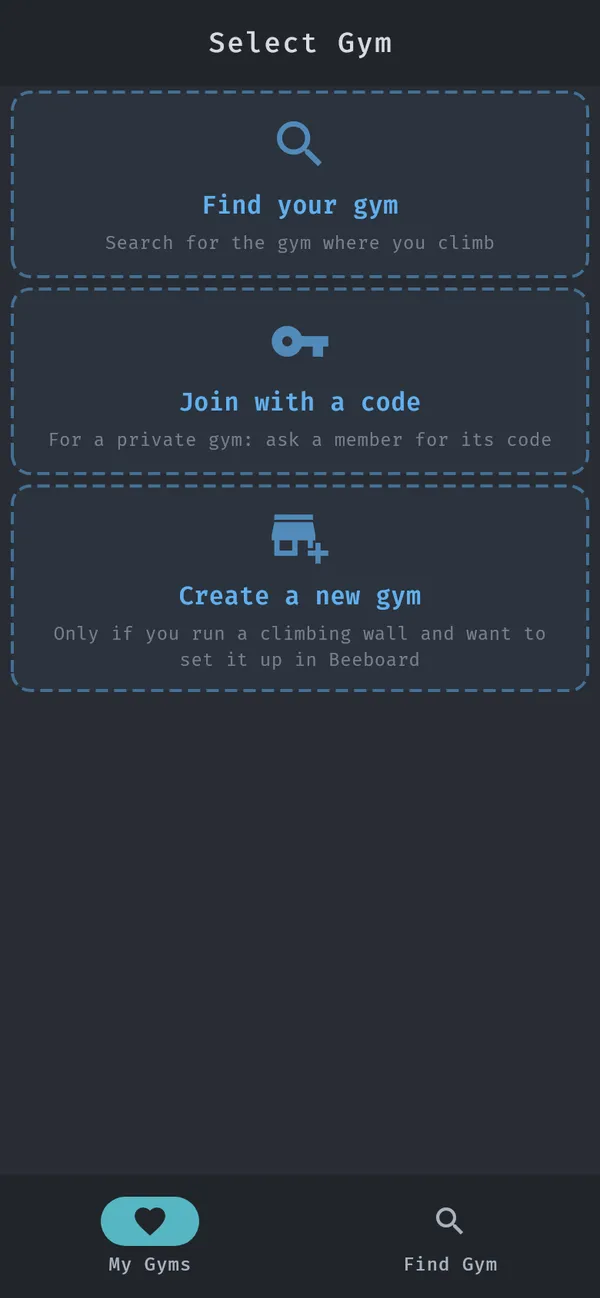
- Tap Find your gym and search by name, city or country. Tap a gym to open it, or the plus to add it to My Gyms.
- A private gym is not in the search. Tap Join with a code and enter the code a member gives you.
- In the gym, tap a wall to start climbing.
An account is used on one phone at a time. If you sign in on a second phone, the app asks first (Use this phone) and then signs the other phone out.