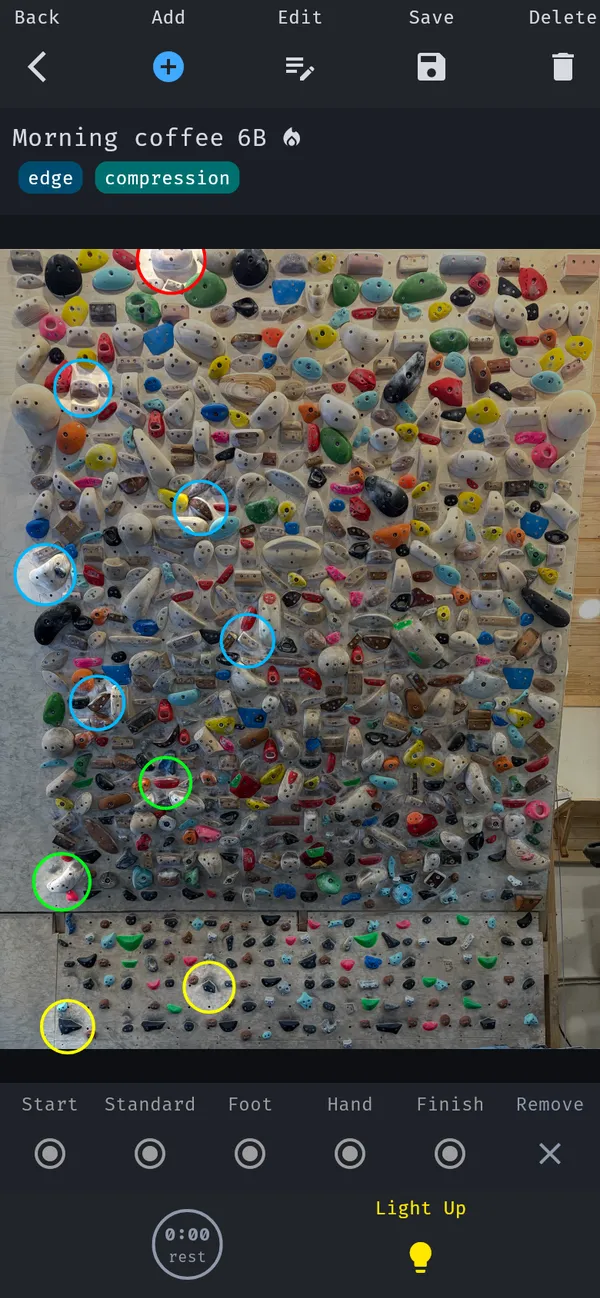
- On the climb screen, choose more › Add new problem.
- Tap a hold on the photo, then its role: Start, Standard (hands and feet), Hand, Foot or Finish. Remove takes it out.
- Tap Edit to give the problem a name and tags.
- Tap Save.
On a wall with lights, Light Up shows the holds on the wall while you set. Draft keeps a problem you have not finished.
There is no grade to set. The first climber to top the problem at an angle sets its grade there. Until then it is a project at that angle.