The gym’s admins can change its settings, walls and holds. Under My Gyms, the gear on the gym’s card opens Edit Gym.
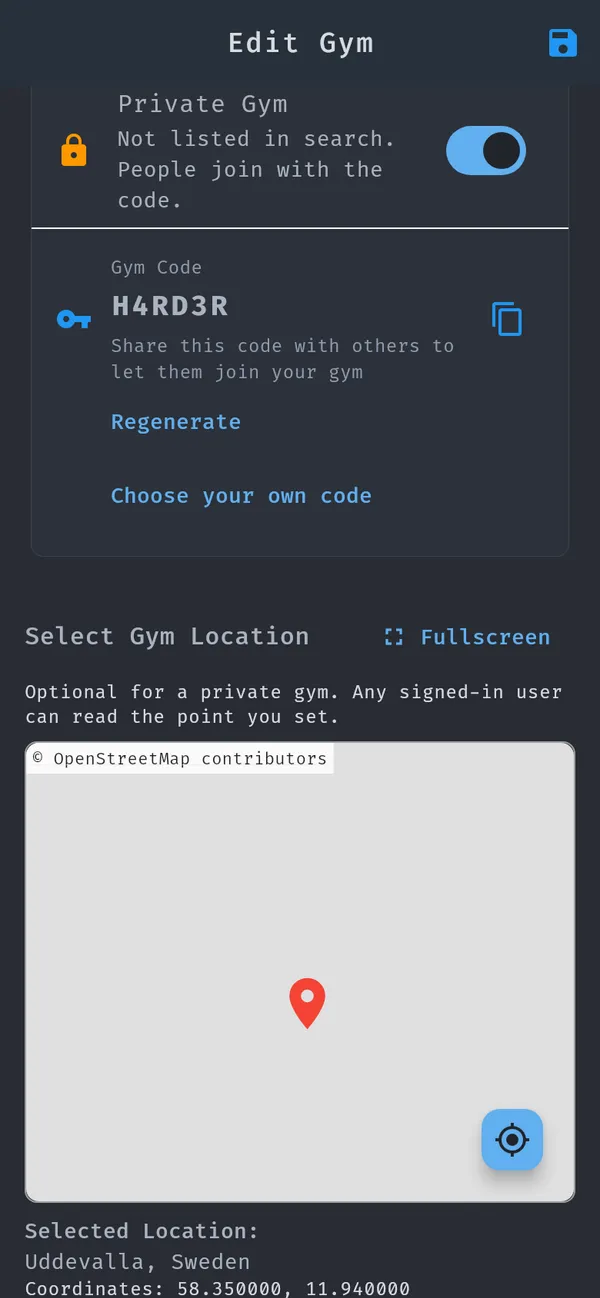
The gym code
Share the Gym Code to let people join. Regenerate makes a new one, and the old code stops working. Choose your own code sets one you pick.
Admins and members
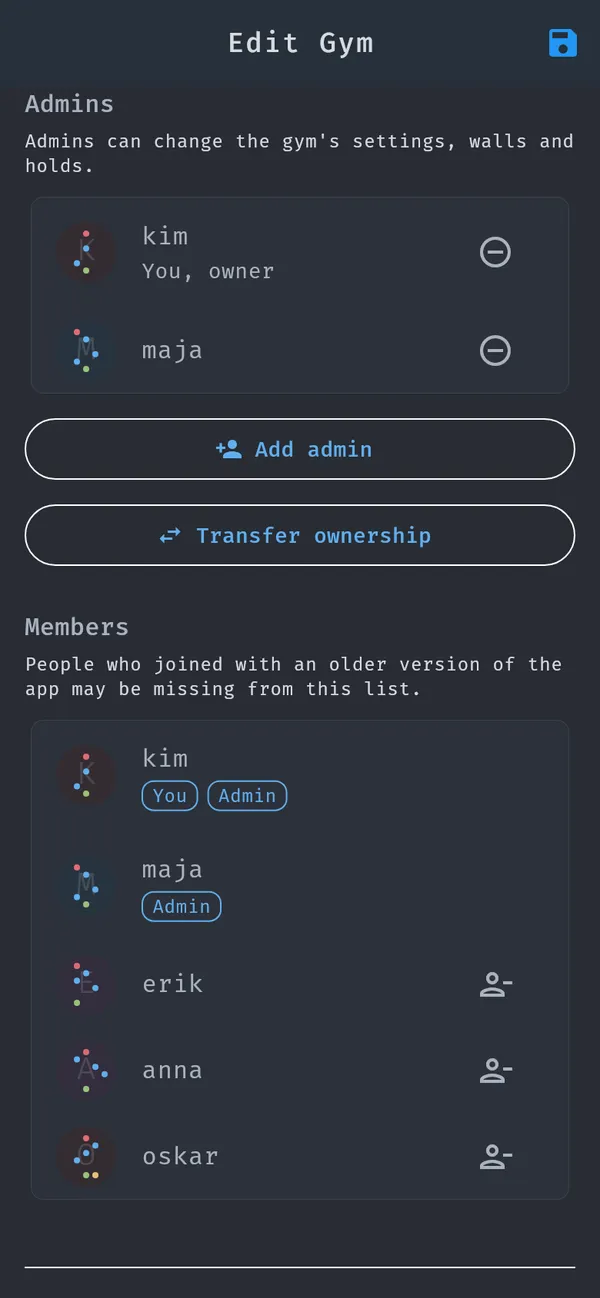
Add admin makes another climber an admin. The gym has one owner; Transfer ownership hands that on. Only the owner can remove themselves.
Members lists who has joined. Removing one takes the gym out of their app; their climbs stay in the logbook and on the leaderboard. To stop them joining a private gym again, make a new code.
Problems
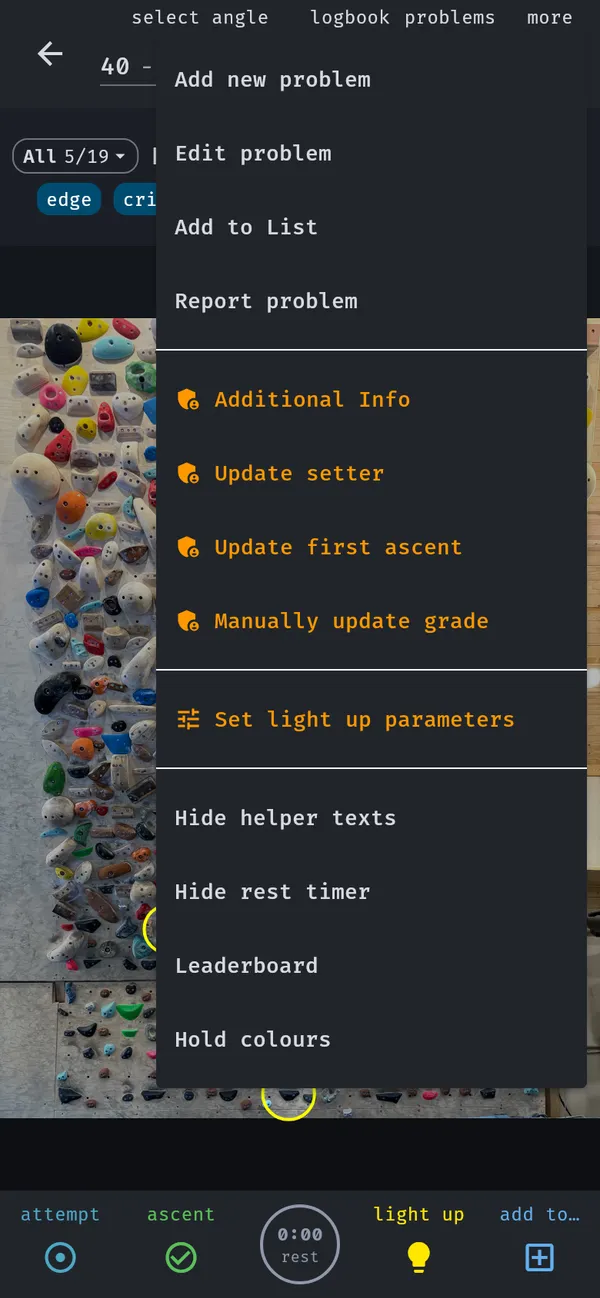
An admin can edit or delete any problem, not only their own, and only an admin can turn on Benchmark. The more menu adds Update setter, Update first ascent and Manually update grade (the grade at this angle).
First ascents
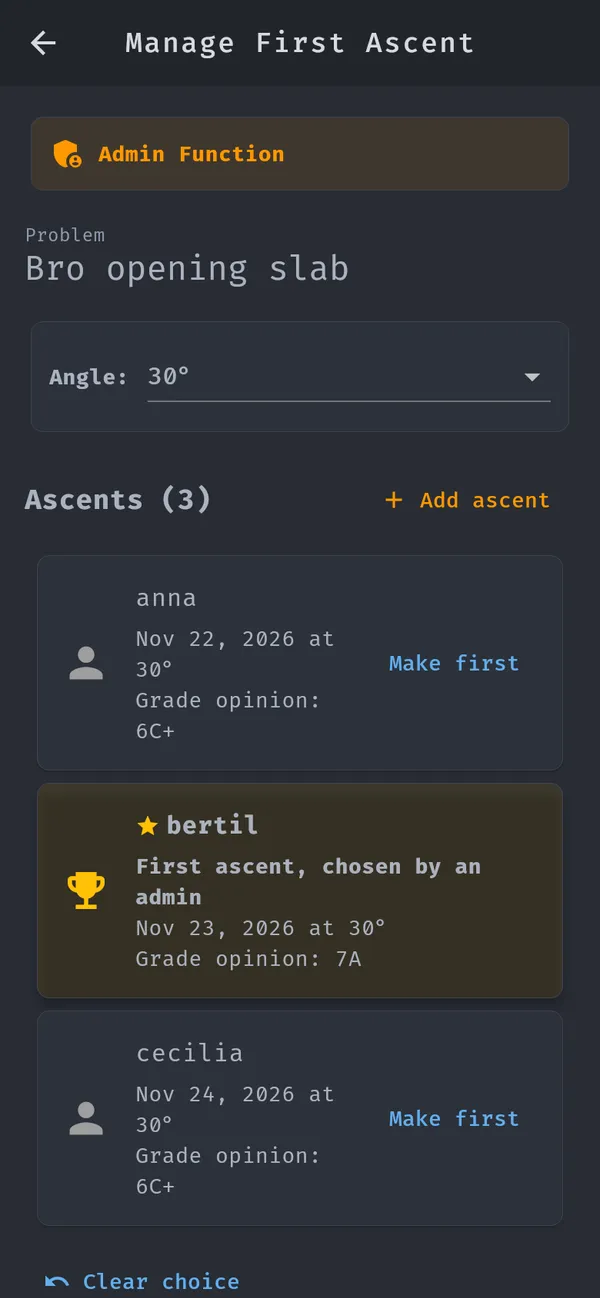
In Manage First Ascent, Make first gives the first ascent to another ascent. Add ascent records a climb for a climber with an account. First ascent without an account records a name only: no points, no logbook.
Deleting
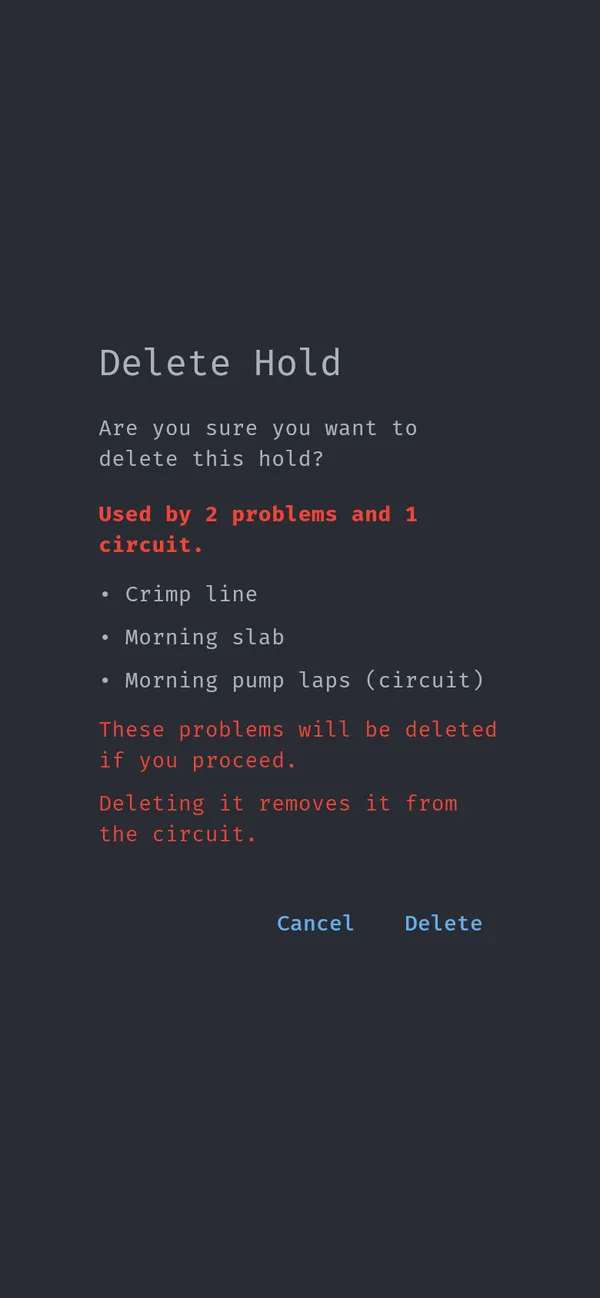
Deleting a hold that problems use lists them first; they are deleted with it when you save. Delete wall, at the end of the wall’s Settings, deletes its holds, problems, circuits and photo. Delete gym, at the end of Edit Gym, is for the owner only.
Climbers keep their logged climbs when a problem, wall or gym is deleted.