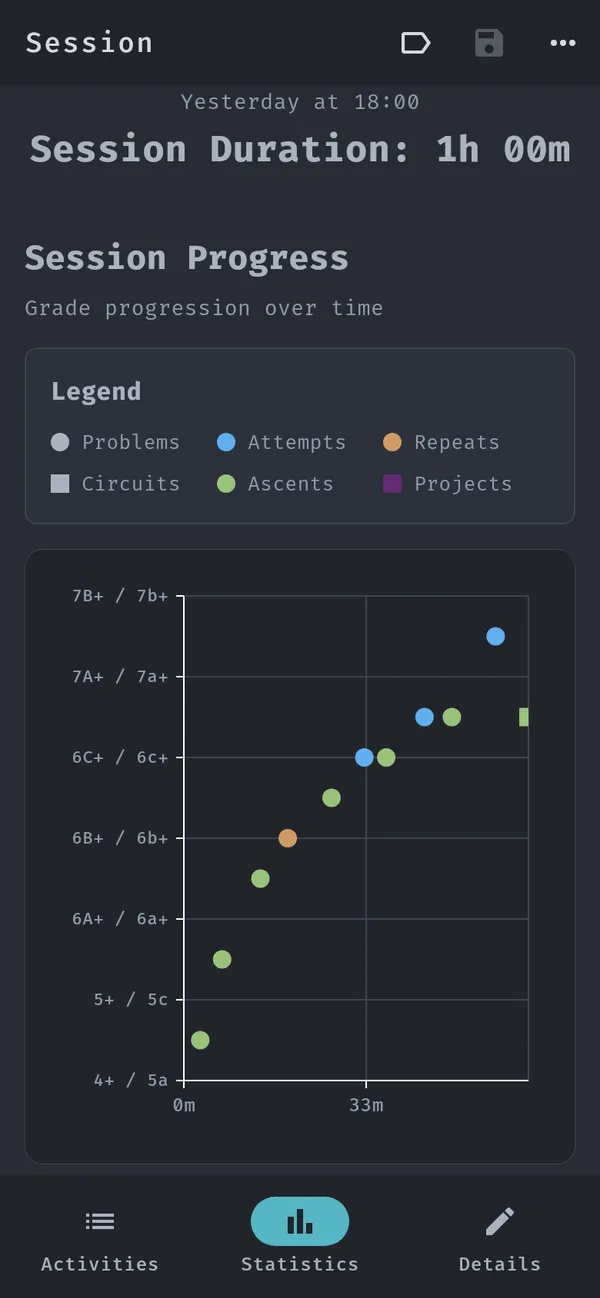
Every climb you log goes into a session. A climb more than 60 minutes after your last one starts a new session.
The circle in the middle of the bottom bar is the rest timer: the time since your last climb. Tap it to open the session. Activities lists what you logged, Statistics shows the grades.
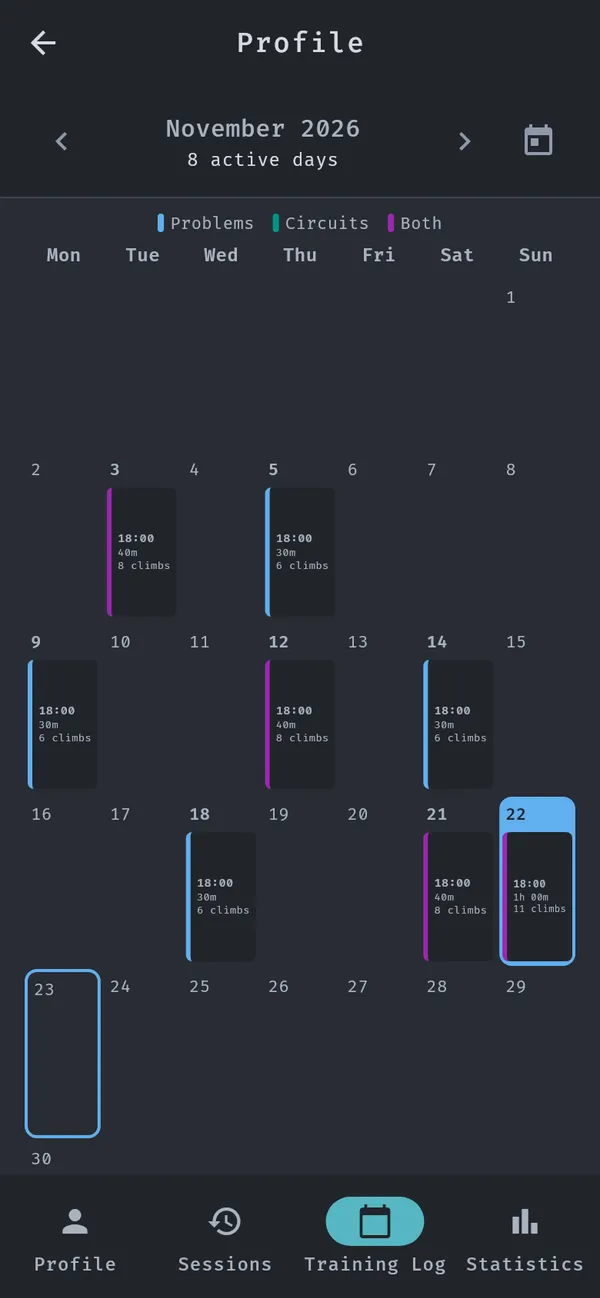
On the home screen, Profile has your Sessions and the Training Log, a calendar of the days you climbed.
The logbook button in the climb screen’s top bar shows who has climbed the problem on screen.